Pick an app
Choose a running app with sound output. Chrome helpers are grouped under the main browser.
 Evergreen Labs
macOS 14.2+
Capture audio from another Mac app and save it as a stereo MP3. Uses system audio capture — not Screen Recording — so you only grant the permission that matches the job.
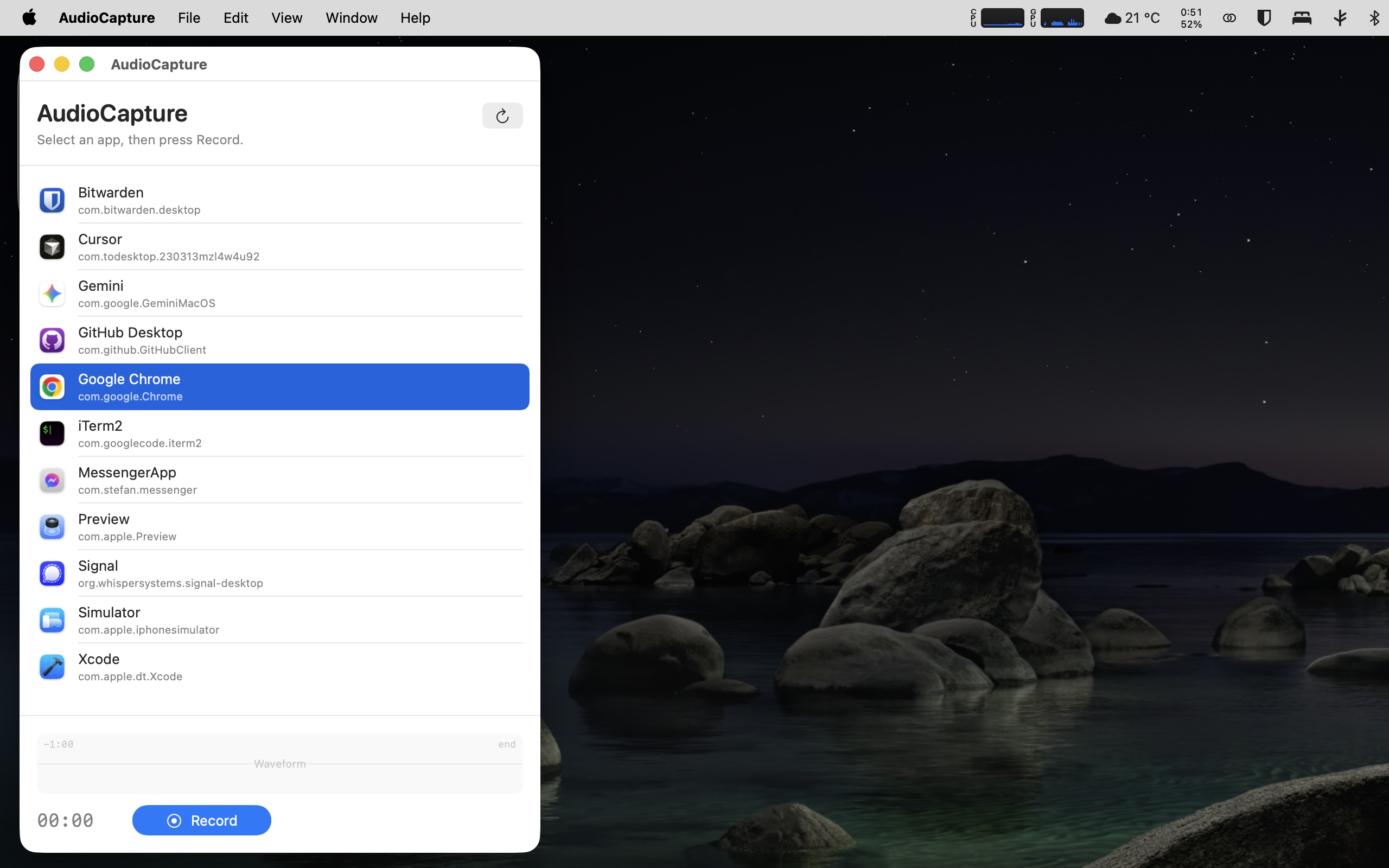
Choose a running app with sound output. Chrome helpers are grouped under the main browser.
A live waveform and timer show you that audio is coming through while you capture.
Encodes stereo MP3 at 192 kbps CBR with LAME. Save wherever you like via the standard macOS save panel.